Import and export sessions
Bring recorded calls into the portal as sessions, or take a copy of an agent's conversations out.
Import a session from audio
Import session turns a recorded call into a regular session: you upload a recording and pick a Call Analytics agent, and Flametree transcribes the audio, separates the speakers, and extracts the session results the agent is configured to collect.
- In the page header, click Import session.
- In the Import session from audio dialog, pick the agent in Select agent. Only Call Analytics agents are listed.
- Click Upload audio and choose the recording.
- Click Start Import and wait for the confirmation message Session import started.
Processing runs in the background and takes a while, depending on the length of the recording. When it finishes, the imported call appears in the table as a finished session owned by the selected agent — the User column shows the portal user who uploaded the recording, the Chat panel shows the speaker-separated transcript, and Session results holds the extracted values. For the full workflow, including creating the agent and defining the fields to extract, see Call Analytics.
Export sessions
Export sessions downloads the conversations of one agent as a JSON file — for example, to archive them or analyze them outside the portal.
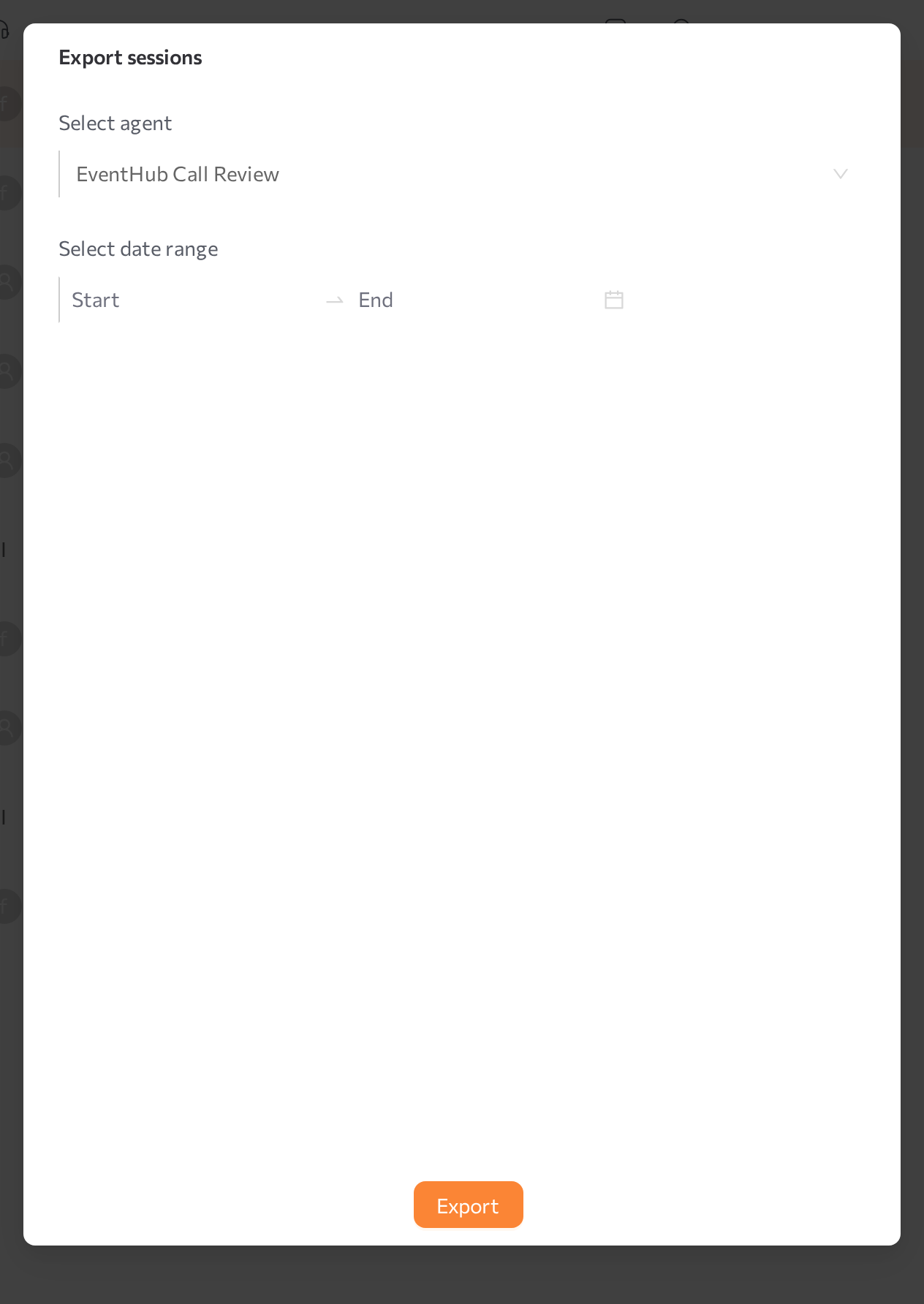
- In the page header, click Export sessions.
- In the Export sessions dialog, pick the agent in Select agent. Type to search by name; each export covers one agent.
- Optionally, limit the export with Select date range (Start and End). The range applies to the session start time and uses your tenant timezone. Leave it empty to export all the agent's sessions.
- Click Export and wait for the confirmation message Sessions exported successfully. The browser downloads the JSON file.
For every exported session, the file includes the session ID and type, the start and finish times, the customer's external ID, name, email, and phone, and all messages with their timestamp, author role, and text. The export contains text only — attachments and recordings are not included.
Related pages
- Call Analytics — agents that process imported call recordings
- Read a session — read an imported call's transcript and results
- Find a session — filter the table to locate sessions to export