Plain text sources
Plain Text sources are named blocks of text the agent searches when answering — policies, facts, and short instructions that are yours to paste and don't live in a document or on a website.
Create a text
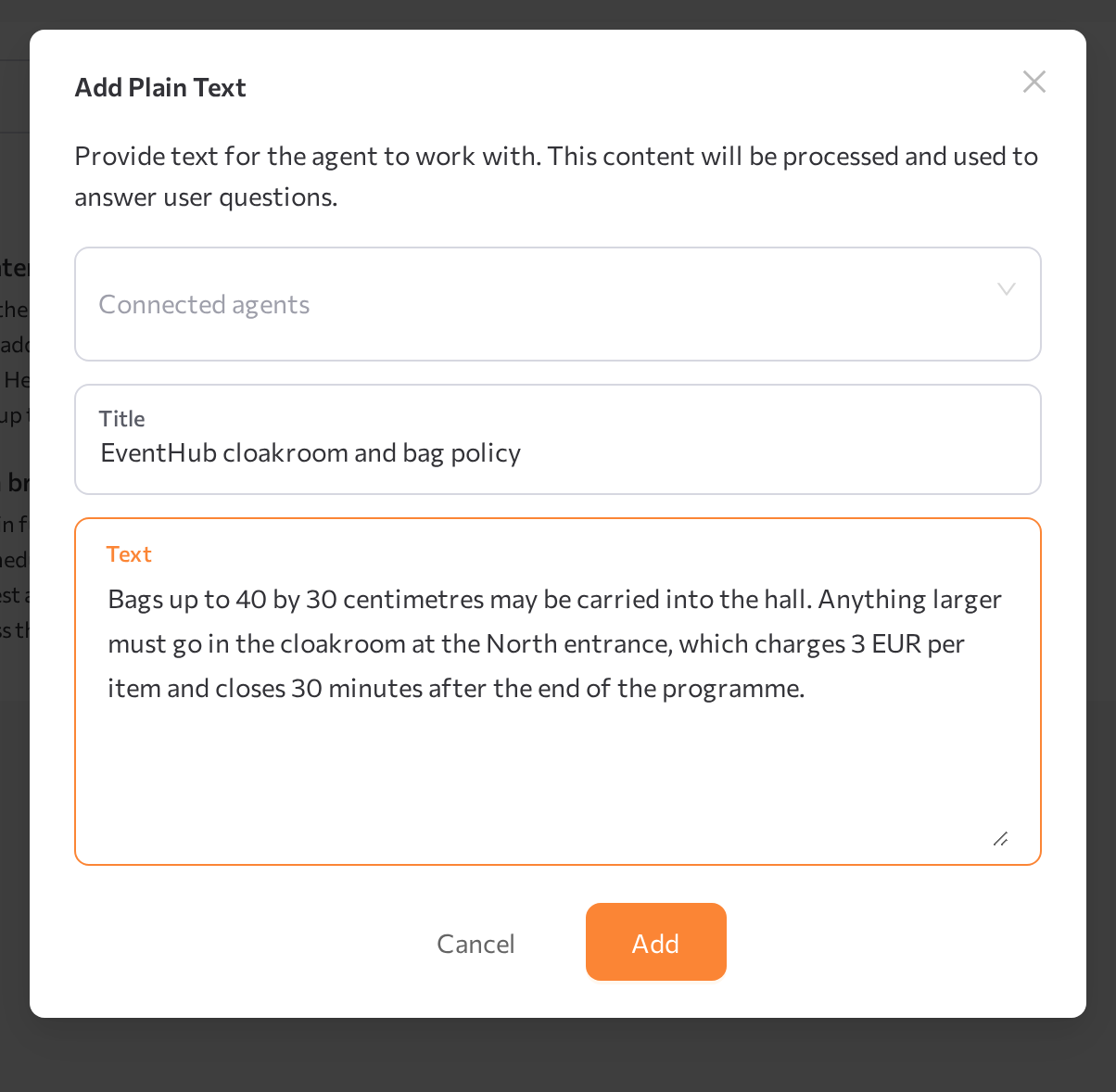
- Open the Plain Text tab and click Create new text.
- In the Add Plain Text window, optionally select Connected agents — you can also connect the text later.
- Enter a Title (up to 255 characters).
- Paste or type the Text. The limit is 50,000 characters per source — longer text shows Text exceeds the 50,000 character limit. Upload as File instead.
- Click Add.
The new text appears in the Plain Text table.
Edit and re-index a text
The table shows each text's title, Status, Usage Count, Connected Agents, and Last Editing date. Use the row actions to view a text, change it in the Edit Plain Text window, index it, or delete it.
When you edit a text, its status changes to Modified. Click Index to re-index it so agents use the new version.