Telegram AI Sales walkthrough
The steps below follow the Telegram AI Sales template. The agent works like the Website AI Sales agent — it answers questions about your offering and captures lead details — but talks to customers in your Telegram bot. Have a bot token from @BotFather ready before you start — see Telegram for how to create a bot and find the token.
Steps 1–5 match the Website AI Sales walkthrough, with the same fields, defaults, and examples:
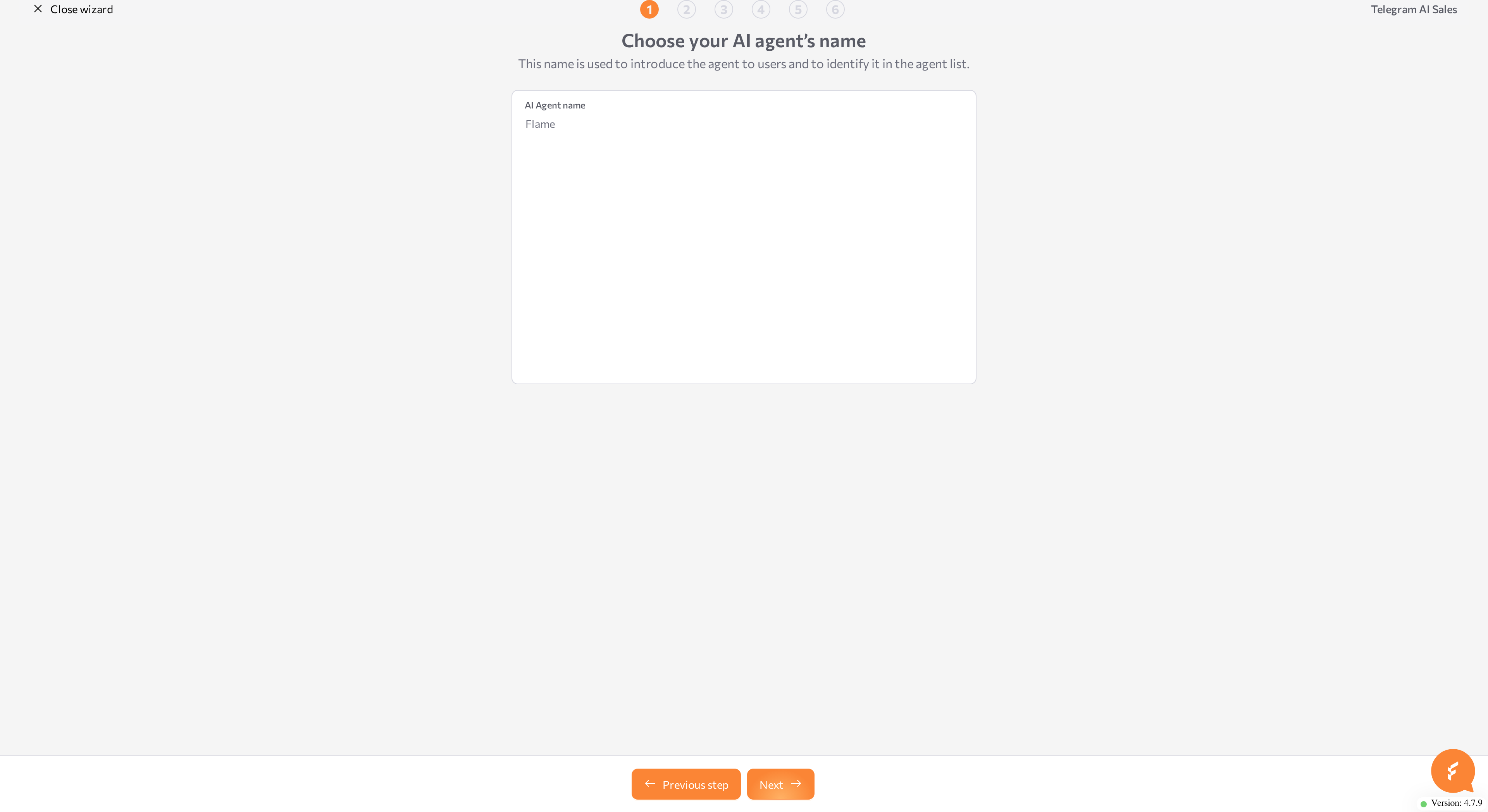
- Choose your AI agent's name — enter the required AI Agent name.
- Information about your business — optionally add the Website URL and the Tell us about your business description.
- Personalize Your AI Agent — edit the prefilled Personalize your AI agent field.
- AI Agent Knowledge Base — optionally upload one PDF file.
- Conversation Results — choose the details to collect and enter the required Email address to receive leads.
Step 6: Telegram bot token
Paste your bot's token into the Telegram token field. The field is required, and the wizard checks the format — a token looks like 123456789:AAH...XYZ. If the value does not match, the wizard shows Incorrect Telegram token format.
Connect a bot that is not attached to another agent — one agent handles inbound traffic per bot. If you do not have a bot yet, open @BotFather in Telegram and send /newbot; for an existing bot, find the token under /mybots.
Click Review.
Step 7: Review and create
The final stages match the Website AI Sales walkthrough: Handling your data generates the configuration, then the Review configuration page opens with the editable Agent Settings and, if you added knowledge, the Sources list. A Telegram integration section also shows the Token you entered. The token is read-only here — to change it, click Back to wizard.
Click Create AI-agent. The wizard creates an inbound agent with a Telegram channel connection and starts both, so the bot begins answering messages. Send your bot a message in Telegram to check the result, or test the agent in the Playground. The connection appears in Settings > Channels, where you manage it later — see Telegram.
Related pages
- Wizard overview
- Website AI Sales walkthrough — the matching steps 1–5
- After the wizard — refine the new agent
- Telegram — manage the Telegram connection